Choose a focal point
A calm setup starts with a decision about what deserves attention. If your wallpaper has a strong subject, let the widgets and icons be quieter. If information is the priority, choose a more restrained background.
Work with a small palette
Pick a dark base, one main accent and one small highlight. This is an editorial design suggestion, not a requirement imposed by your phone. Our midnight collection pairs violet and cyan, but the same principle works with warm or neutral colors.
Keep useful things easy to reach
Group the apps you open most often before adding decorative elements. Leave enough room to recognize labels without relying on color alone. A personalized screen should still be easy to use when you are distracted or tired.
Edit in small steps
- Save a wallpaper you like from the original collection.
- Position the crop using our wallpaper-fit guide.
- Add one useful widget if your device supports it.
- Use the setup for a day before adding more.
Avoid the all-at-once makeover
You do not need a new launcher, paid icon pack, custom font and widget subscription to make a screen feel personal. Begin with the ordinary controls your phone already provides. If a third-party app asks for permissions, read the prompt and decide whether the feature is worth the access.
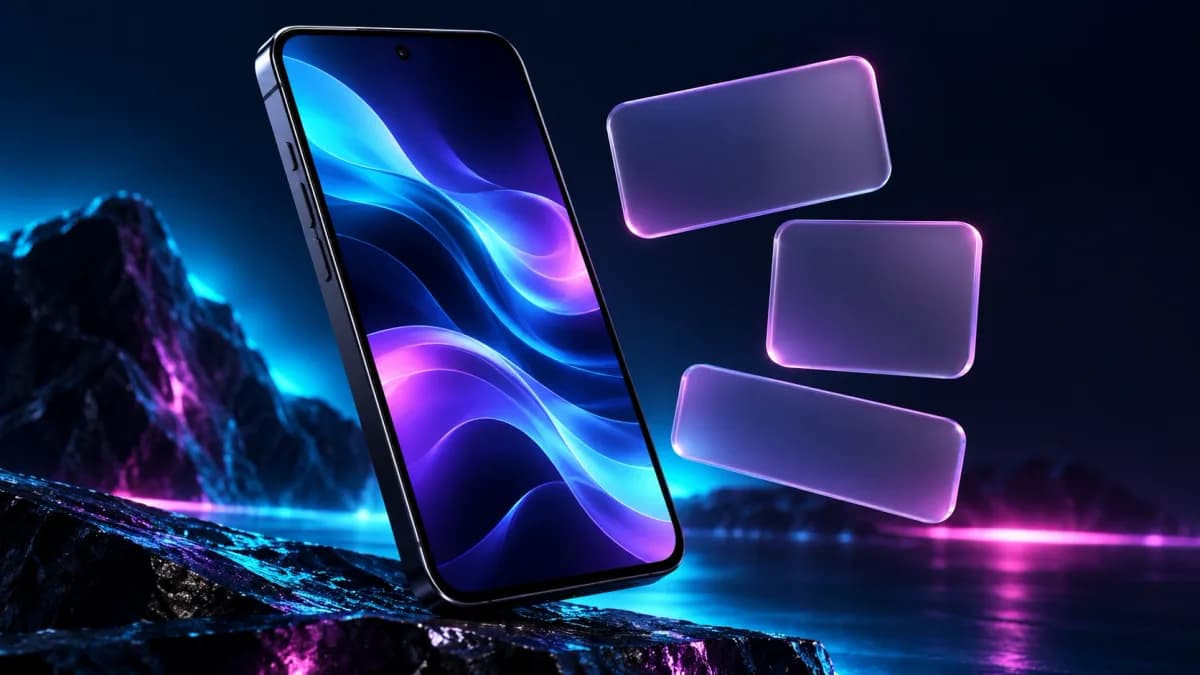
This is original visual guidance, not a device-specific instruction set or a promise of faster performance. Our conceptual phone illustration does not reproduce a real app interface. For a widget-focused option, read the source-backed Widgetsmith introduction.
Independent picks, clearly explained. Affiliate links, when present, are labeled and may earn GuidePebble a commission. How we’re supported.