A place to build an illustration
ibisPaint’s official site describes a drawing toolset with customizable brushes, layers and illustration features. Its download page lists mobile and desktop device families. This profile points to ibis Paint X’s mobile listing while linking the wider product documentation for context.
Think in layers
The official layer tutorial describes separating line work, color and backgrounds so they can be edited independently. If you are moving from paper, that is a useful concept to learn before chasing a large collection of brushes. The order of layers affects what appears in front of other marks.
Check the actual app you are downloading
The product family includes different editions and premium options. Do not infer that every documented feature is included in a permanent free plan. Read the current listing for your device, including advertising, in-app purchases and compatibility details.
An approachable creative prompt
Take a simple leaf or cloud shape and explore it in two colors. Keep the background separate from the line work. The goal is learning how the canvas behaves, rather than producing a complicated illustration immediately. This is editorial project guidance, not a tested tutorial for a specific app version.
For another drawing-focused option, see Sketchbook. For a visual starting point, browse the original wallpapers.
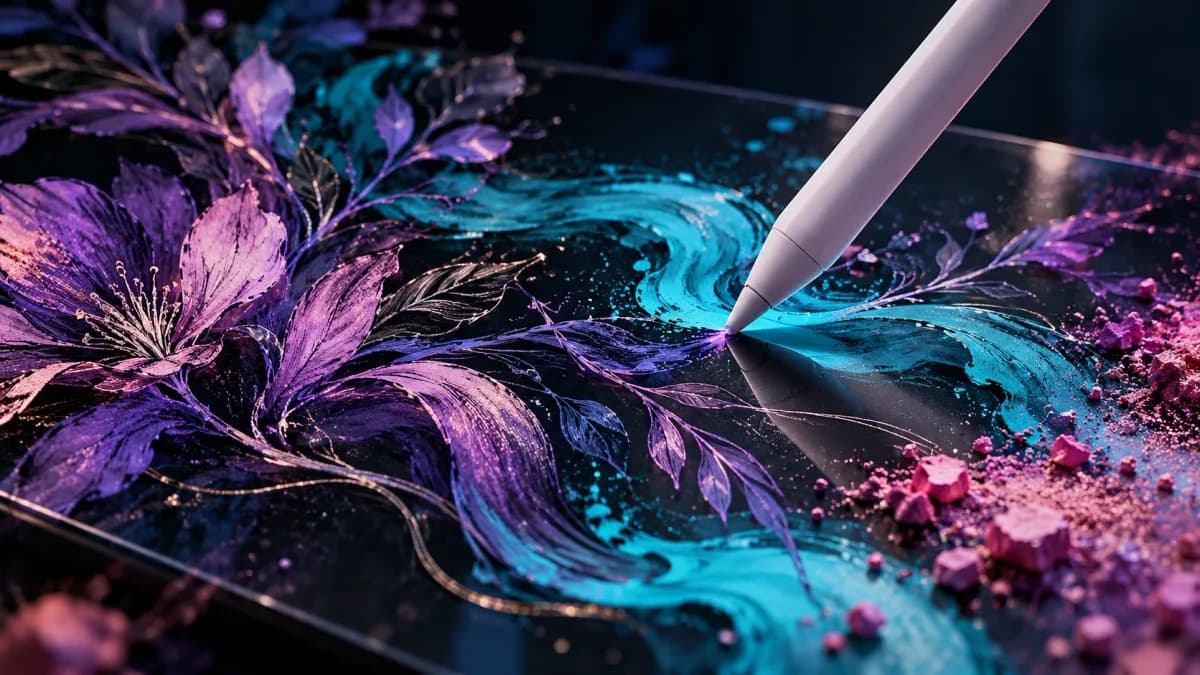
No feature benchmark or personal testing is claimed. The cover is GuidePebble’s original illustration of creative work, not a capture of ibis Paint’s interface.
Sources & editorial notes
Based on official documentation checked October 28, 2026. No hands-on testing or performance claims are implied. Product details can change.
Independent picks, clearly explained. Affiliate links, when present, are labeled and may earn GuidePebble a commission. How we’re supported.